Requirements
In order for Live Redaction to function you need 3 things:- A Google Organization
- A valid license in https://qanapi.cloud.
- At least 1 classification.
Converting Versions
There used to be an HTTP Endpoint version of Live Redaction. This version used Google response cards and hover mechanics to handle the encryption and decryption logic. When we upgraded to the Apps Script version, there needed to be a way to convert these older ones to the new version. The way you do this is pretty simple.1
Copy the original URL
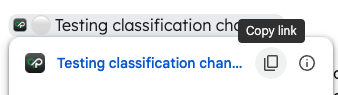
- Hover over the old style encryption.
-
Click the "" icon. This will copy the URL to your clipboard.
2
Paste the URL
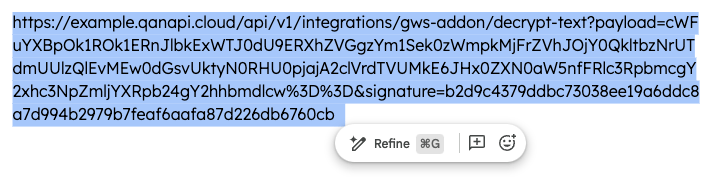
Paste the copied URL anywhere in the document that you want it.
3
Convert to the Apps Script version
- Highlight your URL.
- Click “Detect Version” on the sidebar.
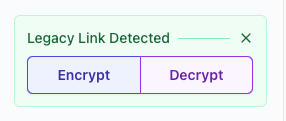
- In the new area at the top you will see 2 options:
- Encrypt: This will convert the old URL into a new encryption string. It will have the same classification color as the original encryption.
- Decrypt: This will convert the old URL into a plain text string of the decrypted data.